

Moonbite
Read manga, manhua and webtoons on your iPhone.
Free, with no ads, no tracking and no paid features.
Everything a reader needs
Native on iPhone, and it runs the same extensions as the Android reading apps.
Your sources
Add extension repos, install and update extensions in the app, then browse, filter and search across every source at once.
A reader that adapts
Right-to-left, left-to-right and webtoon modes, with webtoons detected automatically. Double pages, crop borders, auto-scroll and colour filters.
Your library, tracked
Categories, background updates with notifications, and progress kept in step with AniList, MyAnimeList and five more trackers.
Offline and your own files
Download chapters for the train, new ones automatically if you like, or read your own CBZ, EPUB and image folders with the local source.
Easy to move over
Restore the .tachibk backups Android readers make, and back up the same way. Sync through your own iCloud.
At home on iPhone
Home Screen widgets, Live Activities, Siri and Shortcuts, and a Face ID lock that also hides your titles.
A peek inside
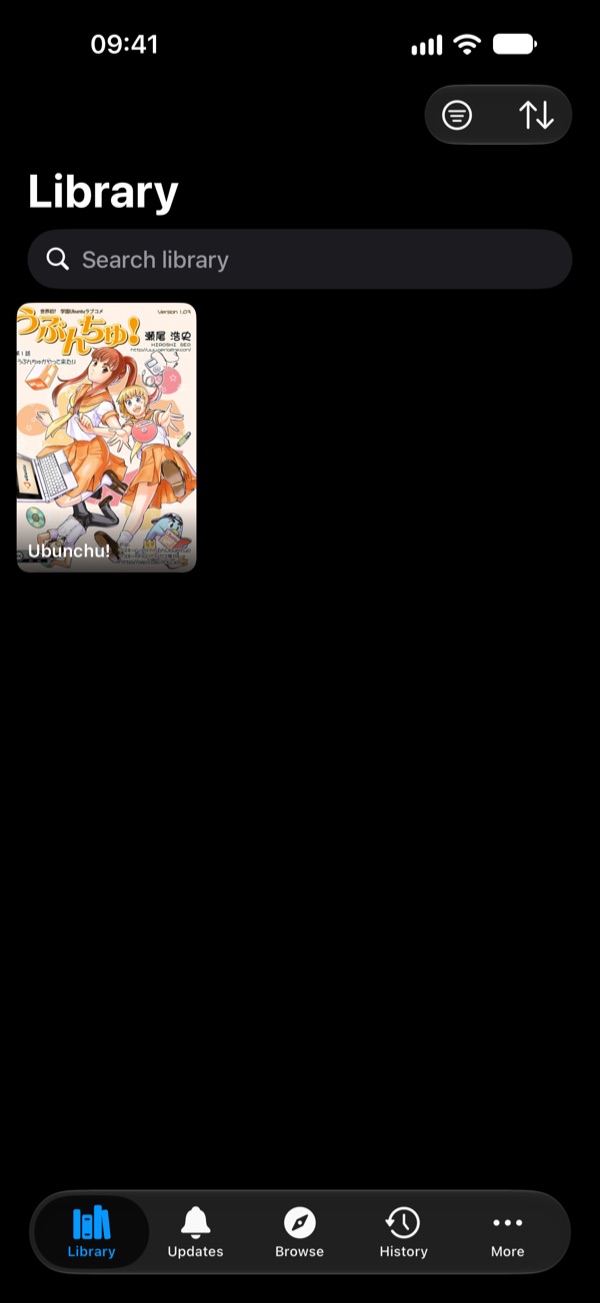
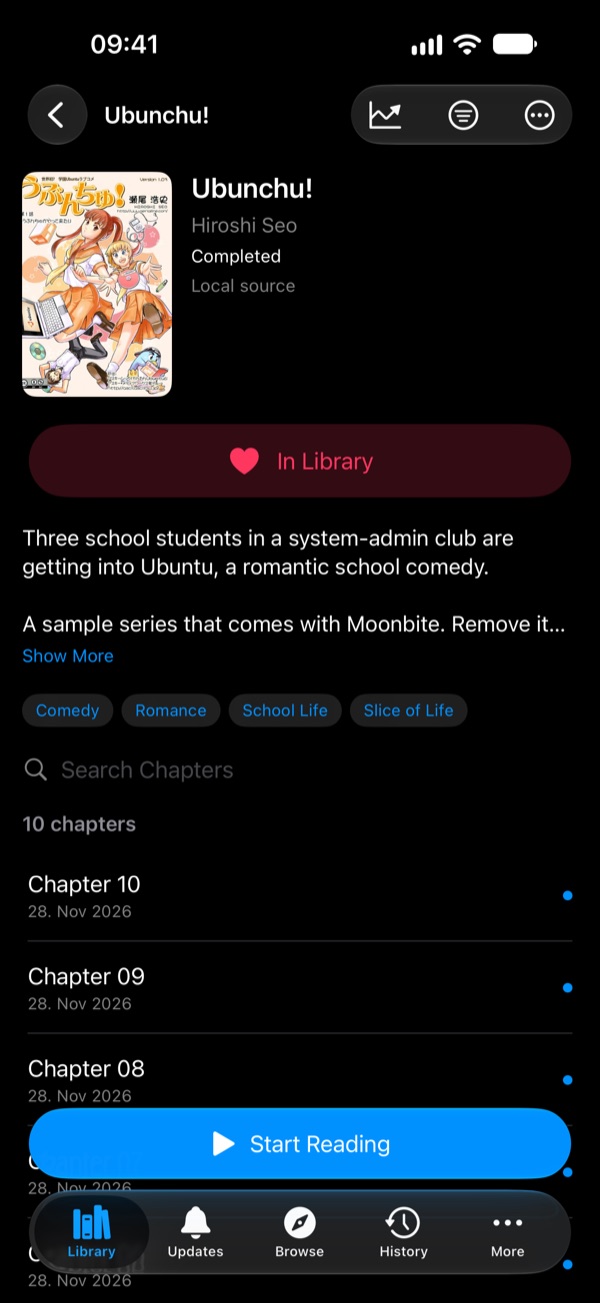

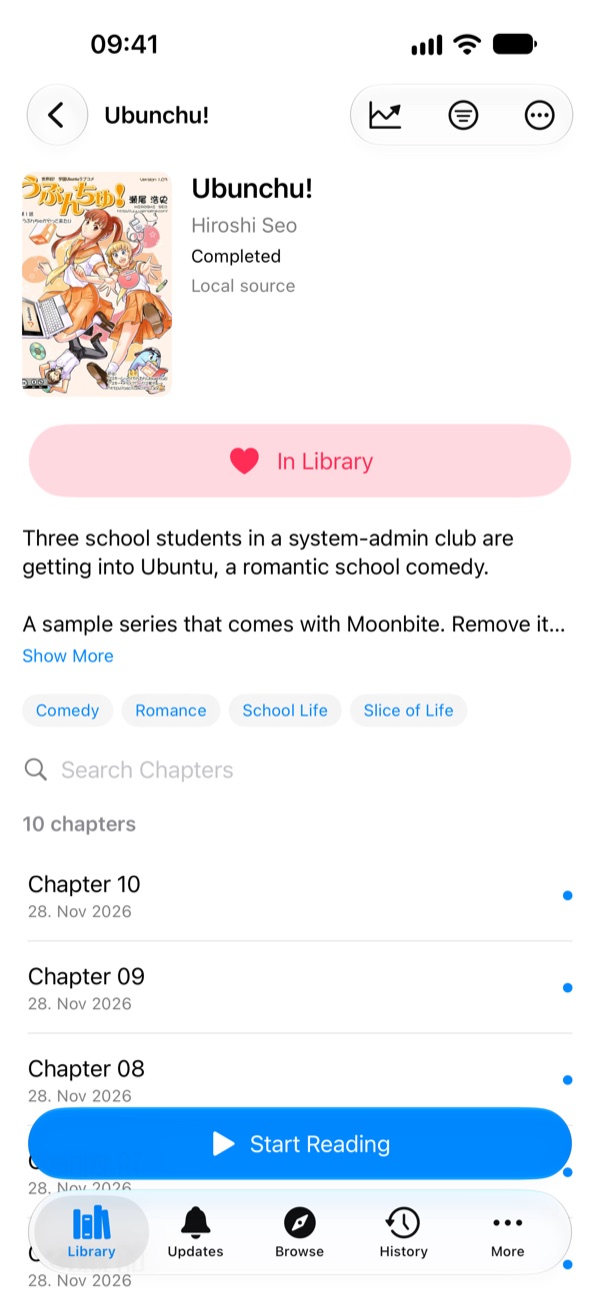
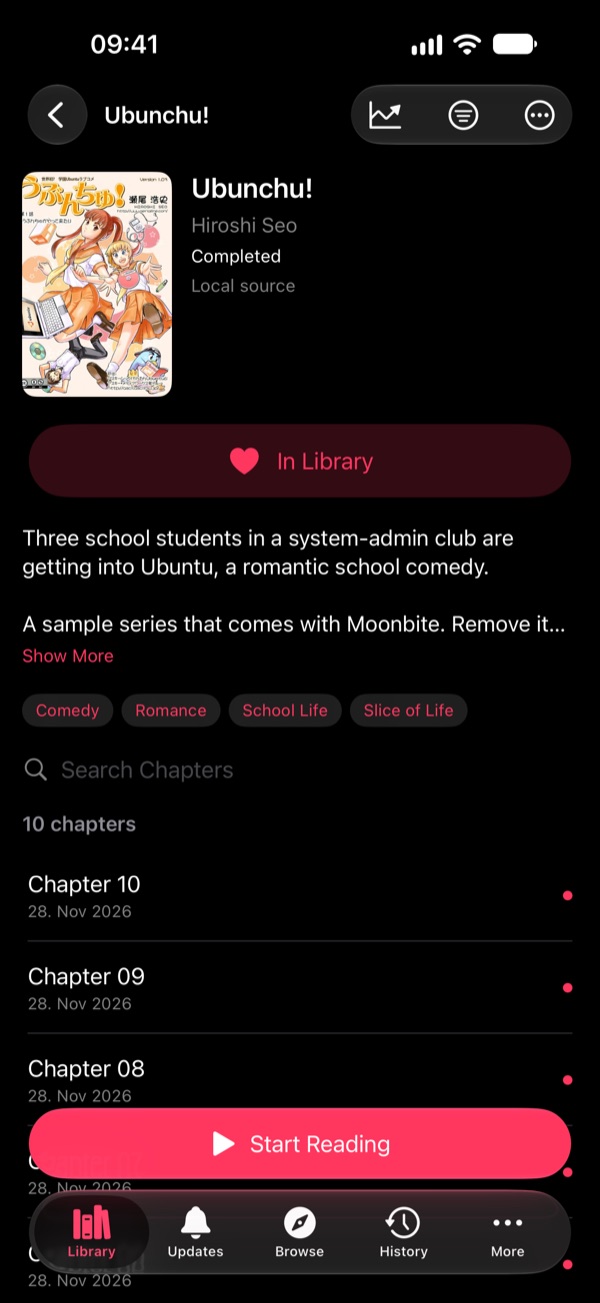
Shown: Ubunchu! by Hiroshi Seo, the sample series that comes with Moonbite. Licensed CC BY-NC; English translation by Fumihito Yoshida and Hajime Mizuno, edited by Martin Owens and Arturo Silva.
What leaves your phone
Nothing ever goes to us.
Moonbite has no account and no server of ours to send anything to.
Stays on your iPhone
- Downloads and your own files
- Notes, custom covers and backups
- Logins, in the iOS keychain
Leaves only when you use it
| Feature | Goes straight to | When |
|---|---|---|
| Extensions | The websites they read from, and the repos you add | When you browse, search, read or install |
| iCloud sync | Your library, reading progress, history and settings, to your own private iCloud, which we can't see | Only if you turn it on |
| Trackers | AniList, MyAnimeList and the others you log in to | Only for series you track |
Questions
Where does the content come from?
Moonbite comes with one sample series, Ubunchu!, so you can try it right away.
Everything else comes from the extension repos you add, or from your own files.
Are extensions safe to install?
Extensions are code from the internet, so install them only from repos you trust.
The first time you install from a new signer, Moonbite asks you, shows its fingerprint and checks it against the repo's key.
Which devices does it run on?
iPhone, with iOS 17 or newer.
On iOS 26 it uses the new Liquid Glass look.
Where do I get help?
Ask in the Discord, or email support@nightfang.de.